

Open on its own
Plask can take over from the Depth app the moment you submerge. In the app, tap Open on its own → Set Up Auto-Launch. Or choose it by hand:
Only one app gets the job. If Depth is still selected, Plask waits politely.
Premium — $1.99, once
Nine more scenes, six more duck colorways, depth-gauge overlays. Non-consumable, restorable, subscription-free. Ducks pay rent to no one.
Lost it after a reinstall? Plask → Settings → Restore Purchases. Free — Apple just checks the receipt.
The scenes
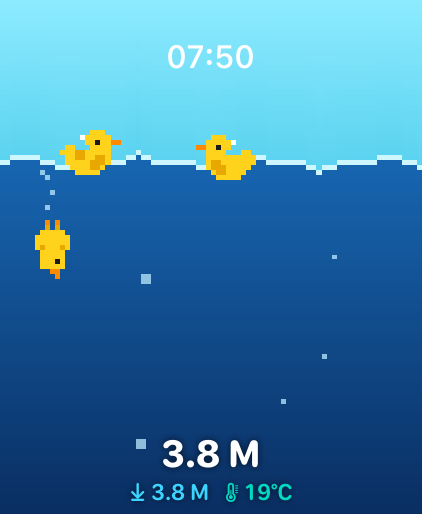
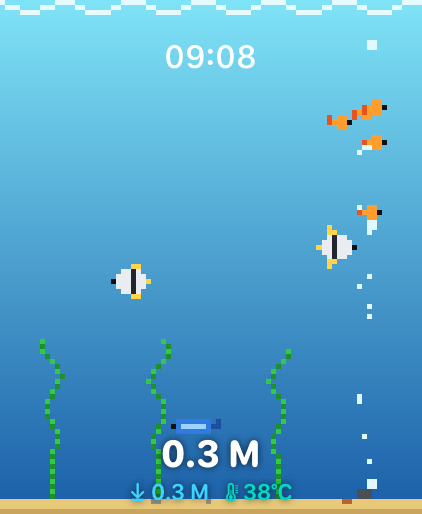
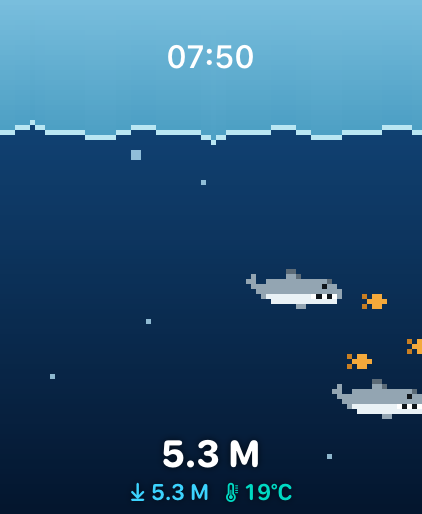
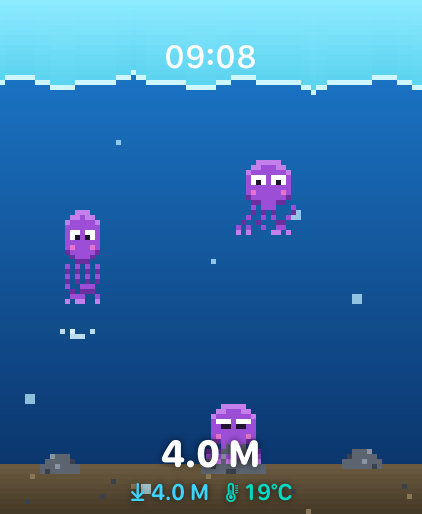
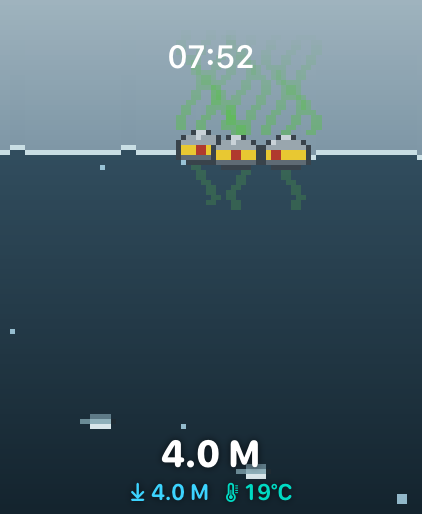
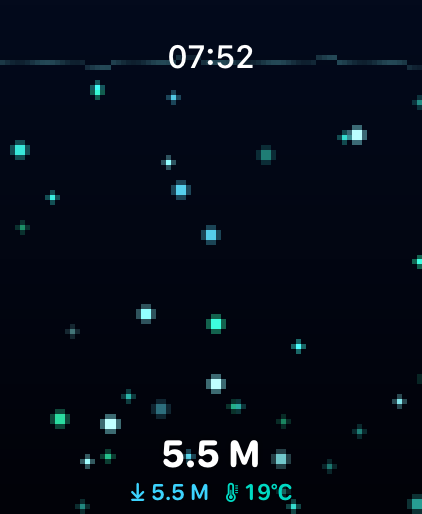
Rubber Ducks is free. The rest live behind the $1.99.
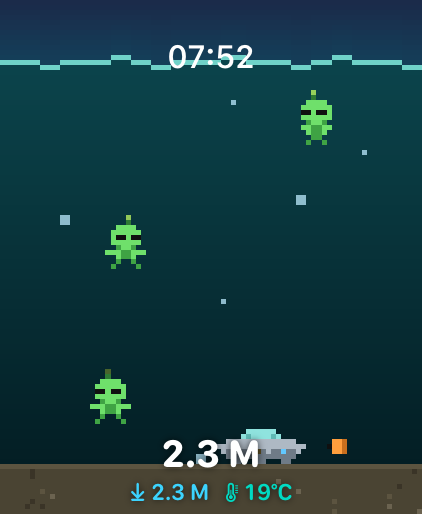
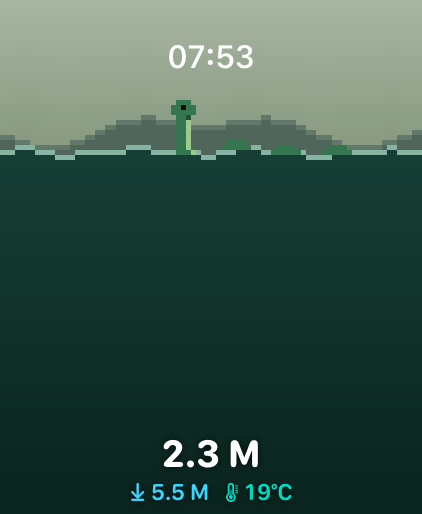
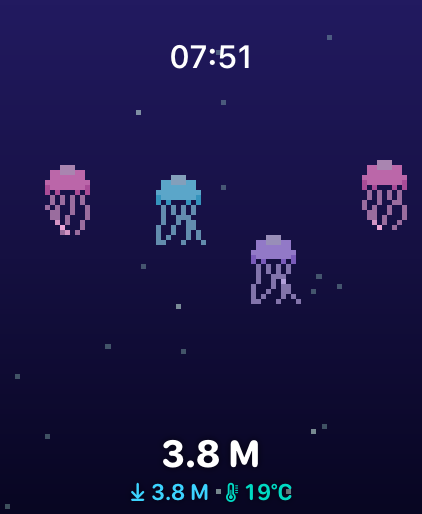
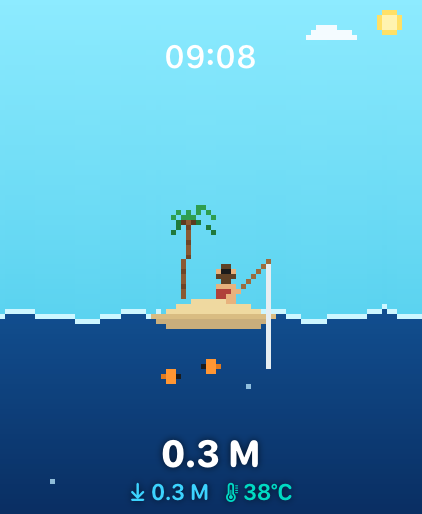
Frequently floated questions
?Plask doesn't open when I jump in.
Two routes. In Plask: tap Open on its own → Set Up Auto-Launch, and the app asks watchOS for you. By hand: Settings → General → Auto-Launch → When Submerged → App → Plask. Only one app gets the job; if Depth is still selected, Plask waits politely.
?Which watches does Plask work on?
Anything on watchOS 10 or later runs the animations. Live depth needs a depth gauge: Apple Watch Ultra (any generation) or Apple Watch Series 10 and later. On other watches the depth reads “–”. The ducks float regardless.
?I paid $1.99 and my extra scenes are gone.
Premium is a one-time purchase tied to your Apple ID. On a new watch or after a reinstall, open Plask → Settings → Restore Purchases. No charge — Apple just checks the receipt.
?There’s a water drop next to the clock.
That’s Water Lock, drawn by watchOS — the screen ignores wet taps while you swim. Turn the Digital Crown to unlock and the speaker spits the water out. Plask leaves the clock and the drop entirely to the system: one clock, always right.
?Can Plask hide the clock and go full duck?
No. watchOS insists on showing its clock, and apps that hide it fail App Review. We leaned in — the clock sits top-center and the ducks work around it.