

So what is Plask?
Plask — Swedish for “splash” — turns your Apple Watch into a tiny aquatic theatre. Pixel-art rubber ducks paddle around while you bathe or swim, and on watches with a depth gauge (any Ultra, or Series 10 and later) the scene follows you down: ducks dive when you dive, with your live depth, session max and water temperature along the bottom of the screen. Rubber ducks. Real depth.
Dives in with you
Set up auto-launch and Plask opens the moment you hit the water. No tapping — Water Lock is ignoring your wet fingers anyway.
No water required
On dry land, tap Try a Dive and drive the water with the Digital Crown from the couch. The ducks don’t judge.
Nothing attached
Runs entirely on the watch: no iPhone app, no account, no analytics. One scene is free; nine more join for a one-time $1.99.
Open on its own
Plask can take over from the Depth app the moment you submerge. In the app, tap Open on its own → Set Up Auto-Launch. Or choose it by hand:
Only one app gets the job. If Depth is still selected, Plask waits politely.
Premium — $1.99, once
Nine more scenes, six more duck colorways, depth-gauge overlays, and Surprise Me — a different scene every dive. Non-consumable, restorable, subscription-free. Ducks pay rent to no one.
Lost it after a reinstall? Plask → Settings → Restore Purchases. Free — Apple just checks the receipt.
The scenes
Rubber Ducks is free. The rest live behind the $1.99.
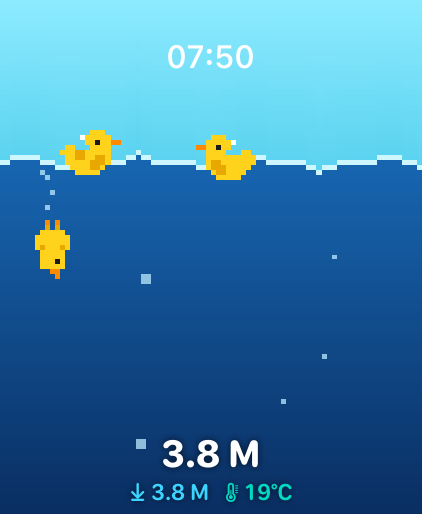
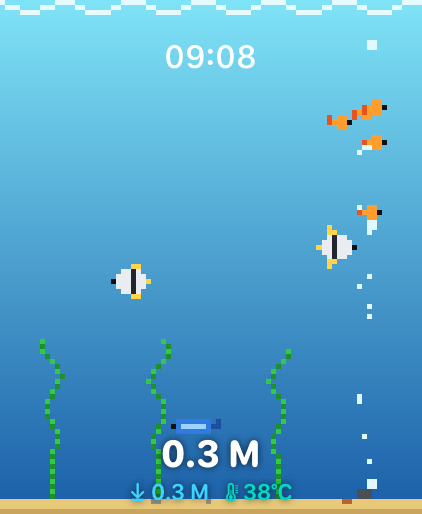
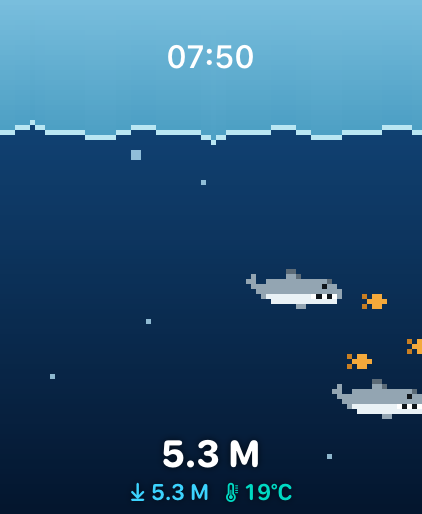

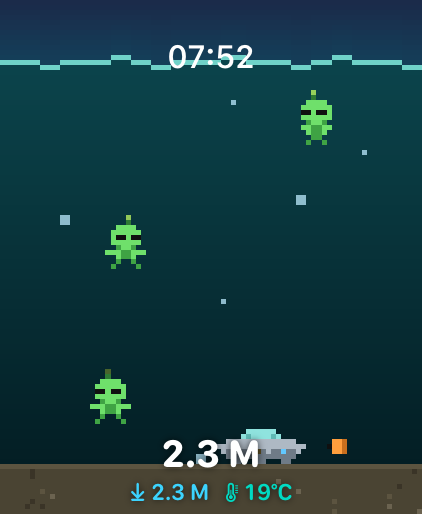


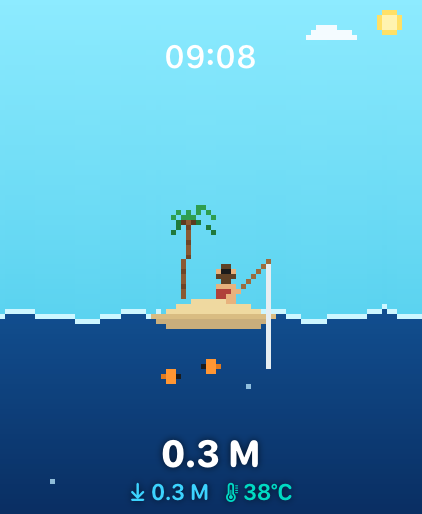
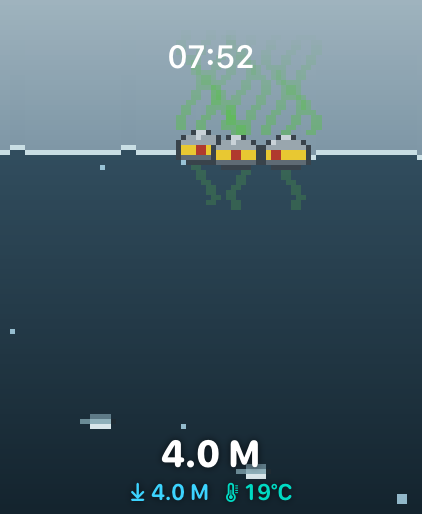
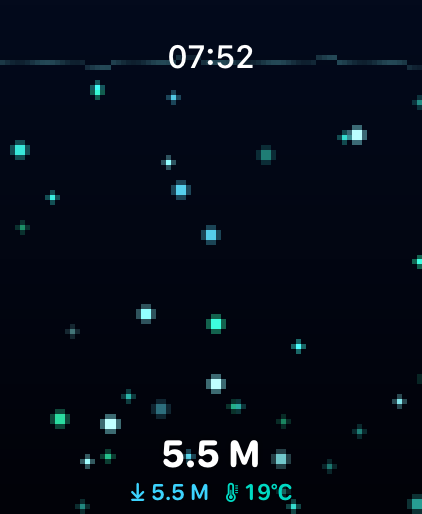
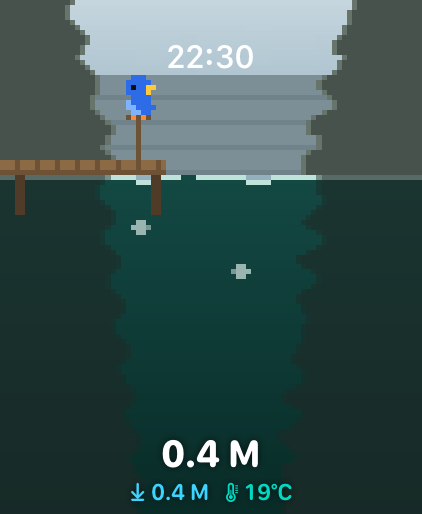
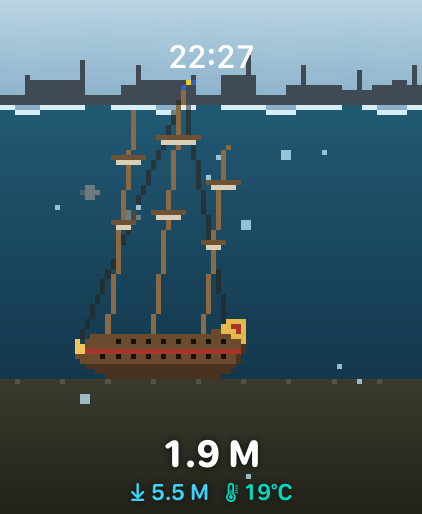

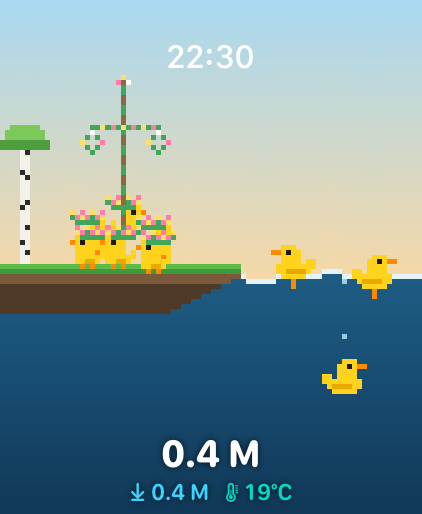
The water has a temperature
Watches with a depth gauge read how cold it actually is, and every scene takes the hint — aquarium and surströmming alike.
Cold
Below about 12 °C the sky flattens, the water turns to steel and the ducks find scarves — you can see their breath. Under 6 °C the surface ices over and it starts to snow.
Lake and pool
Between 12 and 24 °C nothing whatsoever happens. A summer lake looks exactly as it always did — that band is wide on purpose, so the rest stays worth finding.
Hot
Above about 24 °C the light warms and steam drifts off the surface. Your bath is past 32 °C, which makes it officially a hot tub: bubbles, and ducks with nowhere to be.
Needs a depth gauge — any Ultra, or Series 10 and later. Everywhere else the ducks paddle on, blissfully unaware.
The duck has an off-duty life
COMING IN 1.3
Between baths it lives on the launch screen, where you may drop in on it. It is a tjänsteanka — a government-issued service duck — so it keeps a dossier, a provisions journal and its own filed paperwork. Included in the free version.
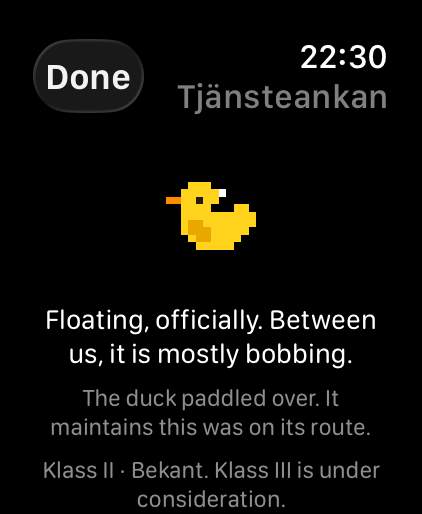
It cannot starve, cannot sulk and has never once been disappointed in you. No meters, no streaks, no decay, and it will never send you a notification — it files reports; it does not call you.
Kungliga Badverket has opened a file on you
The Royal Swedish Bath Authority — entirely fictional, entirely serious — certifies your aquatic accomplishments. Certificates are included in the free version.
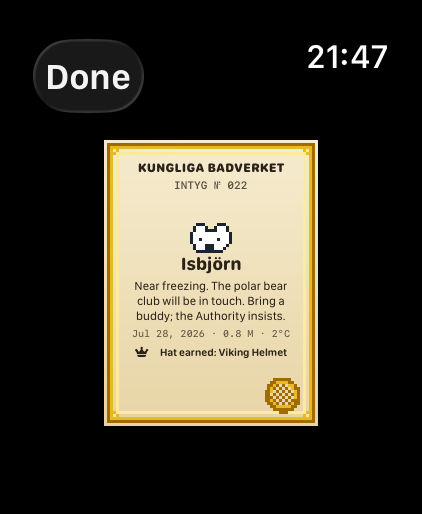
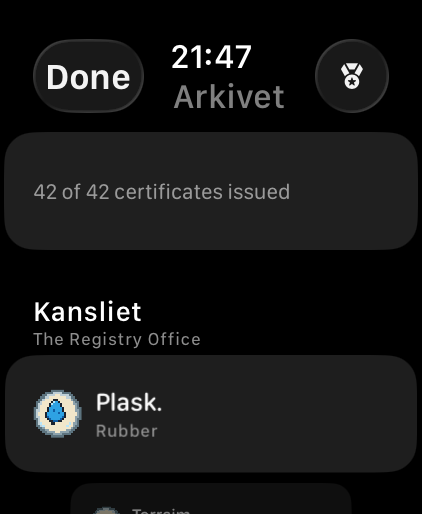
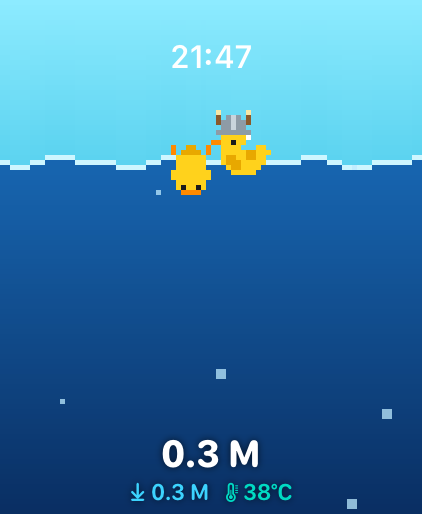
Every swim also files a Fältrapport — one official finding, even when nothing unlocks. “Maximum watch depth: 0.4 m. Almost certainly a bath. Probably.”
Frequently floated questions
?Plask doesn't open when I jump in.
Two routes. In Plask: tap Open on its own → Set Up Auto-Launch, and the app asks watchOS for you. By hand: Settings → General → Auto-Launch → When Submerged → App → Plask. Only one app gets the job; if Depth is still selected, Plask waits politely.
?Which watches does Plask work on?
Anything on watchOS 10 or later runs the animations. Live depth needs a depth gauge: Apple Watch Ultra (any generation) or Apple Watch Series 10 and later. On other watches the depth reads “–”. The ducks float regardless.
?Is Plask a watch face?
No — watchOS doesn’t allow third-party watch faces, so no app can be one. Plask is the next best thing: an app that fills the screen with water and ducks, keeps the system clock top-center, and — on depth-gauge watches — opens itself the moment you submerge.
?I paid $1.99 and my extra scenes are gone.
Premium is a one-time purchase tied to your Apple ID. On a new watch or after a reinstall, open Plask → Settings → Restore Purchases. No charge — Apple just checks the receipt.
?New watch — where are my certificates?
In your own iCloud. The Badverket archive mirrors to your private iCloud account, so install Plask on the new watch and your certificates come back on their own. We never see any of it — there is no Plask server to send it to.
?There’s a water drop next to the clock.
That’s Water Lock, drawn by watchOS — the screen ignores wet taps while you swim. Turn the Digital Crown to unlock and the speaker spits the water out. Plask leaves the clock and the drop entirely to the system: one clock, always right.
?My swim didn’t look any colder.
Between about 12 and 24 °C — a summer lake, most pools — the scenes are deliberately unchanged. Scarves and breath start below 12 °C, ice below 6 °C, steam above 24 °C, and a hot bath past 32 °C gets bubbles. Water temperature also needs a depth-gauge watch: any Ultra, or Series 10 and later.
?Can Plask hide the clock and go full duck?
No. watchOS insists on showing its clock, and apps that hide it fail App Review. We leaned in — the clock sits top-center and the ducks work around it.